

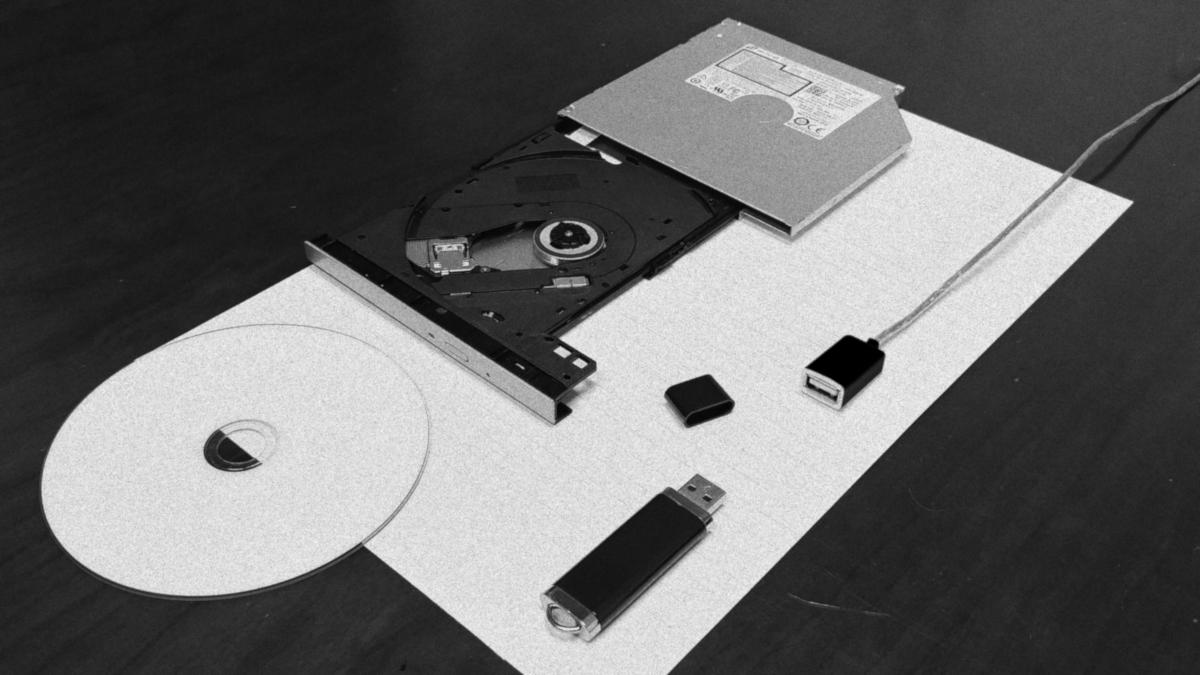
Ten or fifteen years ago if you had video or audio that you wanted to distribute there’d be no question as to what format you’d use. DVD for the former and CD for the later. Wasn’t life simpler? You could design a cover and disk label, fire up Adobe Encore or iTunes depending on your media, and get your disc robot fired up! Since everyone had a DVD and CD player you’d be right there with the big media publication houses on the same platforms! But, things change and life moves on. Customers want things faster and more convenient. As streaming platforms take over people throw out their DVD players and Bluetooth replace the CD player in their car. But, what if you have a strict requirement for physical media for your project? Let’s take a look how flash drives can work for you and your business in this increasingly digital age.
Why Flash Drives?
Flash drives are a fantastic way to physically distribute your media because USB ports are everywhere! They’re in cars, video game consoles, streaming players, cars, and even in modern DVD players. If you were mastering your product in DVDs and CDs before it’s clear that the USB port has taken over as the physical media of choice amongst consumers. If you format your media correctly, the content of your flash drive can be read, played, and listened to on a growing number of devices. Plus, you can add bonus content of varying types along with your media. You can even buy, packaging in the shape of Blu-Ray boxes to provide a drop-in replacement in your inventory!
Why not SD Cards?
“They’re in phones!”, you say! Well, the problem is that they just aren’t as ubiquitous as flash drives and probably never will. It’s also growing increasingly more difficult to insert a SD card into a phone as SD cards are seen as a semi-permanent storage upgrade option rather than a way to transfer data. If you do have a concern about the phone market, you could spend extra to invent in flash drives that have both a USB Type A jack and a USB Type C jack on the other side.
Video Codecs and Containers
This is where we get into the technical nitty-gritty. In digital video, there are two concepts that you have to separate in your mind even though they sound like the same thing on paper: codecs and containers. Containers are typical file types you’re already familiar with such as “.DOCX” and “.PDF”. Codecs, on the other hand, are the actual formats the media is in. To make things even more complicated, a file might have multiple streams codecs inside of itself. This is commonly in the form of an audio and video stream that are synced together.
When you make the video files of your flash drive it is best practice that you have the video files use the “.MP4” container. You could also use the “.MOV” container but, “.MP4” has more features than “.MOV” and is therefore beginning to take over.
Suggesting what codecs to use is a little trickier. While most everyone is familiar with “.MOV” and “.MP4”, they probably aren’t familiar with even the most common codecs. For the sake of simplicity, I’m only going to recommend that you use the H.264 video codec for your videos. It has been around a long time and therefore hardware-based decoders have found themselves in practically every device. It’s also reasonably efficient for video quality – far more advanced then MPEG-2 that DVDs use. Since my main concern is compatibility, I can’t recommend newer more technically advanced codecs like H.265 or VP9 yet simply because they’re not as ubiquitous. Check back in 10 years, though, as this will surely change. If I were pressed in a corner and I couldn’t use H.264 I would use MPEG-4 instead.
Audio Codecs for Video
A classic mistake that I’ve witnessed back in film school was watching my peers relying on the MP3 codec for audio in the final render of their products. Don’t do this! While everyone has heard about the MP3 codec it isn’t the way you should have audio multiplexed with video. First of all, MP3 is notoriously inefficient by today’s standards. This is because the developers of MP3 wanted to make something that would run on small, low powered devices 20 years ago! Instead, ACC is the most common audio codec when paired with video today. Also, if your decoder supports H.264 video you can be fairly certain that it also supports ACC audio as well.
Standalone Audio
If you want to supply audio just by itself, however, then MP3 is certainly the way to go. It may be inefficient by today’s standards but, it has become so engrained in society that MP3’s compatibility is unmatched. As noted earlier, as car manufactures continue to remove the CD players out of modern cars they have begun to replace them with a mixture of USB slots and Bluetooth. Now, car head units vary widely in compatibility and features so, for ease of use sake, if you have standalone audio you can be confident having your audio in MP3 format.
Things get interesting when we want to make sure audio plays in order. The first thing to try is to prefix your files with a number at the beginning with a leading zero. This allows standard file browsers to default having your first track as the first displayed in a list. Following the track number, you can place your track information from greatest significance to least significance. Take from the following examples below:
- 06 – I Am the Walrus
- 06 – The Beatles – I Am the Walrus
- 06 – The Beatles – Magical Mystery Tour – I Am the Walrus
- 06 – Magical Mystery Tour – I Am the Walrus
In addition, you can also use M3U playlist files to give organization to your tracks. I was first introduced to M3U files back when I worked at my university’s radio station as they were an easy way to organize our tracks without changing the audio files themselves. M3U files are highly flexible and can be tied to any file format but, are typically used with MP3 files that it exists alongside with in the same folder so, you have to be extra careful with how you use them. M3U files are basically just text files that point to media files in a specific order. A M3U file’s contents typically look like this.
#EXTM3U
#EXTINF:168,Magical Mystery Tour by The Beatles
01 - The Beatles - Magical Mystery Tour.mp3
#EXTINF:179,The Fool on the Hill by The Beatles
02 - The Beatles - The Fool on the Hill.mp3
#EXTINF:136,Flying by The Beatles
03 - The Beatles - Flying.mp3
#EXTINF:234,Blue Jay Way by The Beatles
04 - The Beatles - Blue Jay Way.mp3
#EXTINF:135,Your Mother Should Know
05 - The Beatles - Your Mother Should Know.mp3
#EXTINF:273,I Am the Walrus by The Beatles
06 - The Beatles - I Am the Walrus.mp3
When making a M3U playlist you have to be extra sure that you get the file path right of the files and keep them in their intended place dictated by the M3U file. If you get this wrong or you move the files, the M3U file will break. Notice that you can also dictate a duration and title separate from the filename and metadata of the media file inside of your M3U file using #EXTINF.
Bitrates for Video
Bitrates tend to be a tough subject because there just isn’t a correct answer for everything. But, unlike CDs where you’ve got a fixed amount of time on a disc you can fill up, flash drives work similar to DVDs where you can instead choose how good of quality you want your videos to be. However, flash drives have more flexibility then DVDs because, you’re not limited to specific formats and resolutions. What I recommend is that you choose the lowest size of flash drive that fits in your budget and try to fit as much bitrate you can in that flash drive. Keep in mind that the subject of your video plays an important role with how low you can go to get acceptable video. If your subject is just a talking head with a couple of camera angles you can get away with a low bitrate as your video codec will interpret out the still parts of the frame. However, if your subject is a hockey match your video will look very blocky very quick. You can also cut corners by lowing the resolution of your video when you find you can’t budge on bitrate anymore. It’s also important to give yourself headroom. While I’ve seen flash drives read up to 20mbps I wouldn’t be comfortable going above 15mbps. Below is a list I got from Tradeck’s Blog of a couple of standard resolutions and bitrates that go well with them. While their list is geared for streaming, I found it to be applicable for using bitrates for videos on flash drives.
- 1080p: 4mbps to 6mbps
- 720P: 2mbps to 4mbps
- 480p: 1mbps to 2mbps
- 360p: 400kbps to 1.5mbps
- 240p: 300kbps to 700kbps
Bitrates for Audio
Furthermore, you can also choose what bitrate you want for your audio in addition to what bitrate you want for your video. Although, as video and standalone audio both use different codecs as I mentioned earlier, I’m going to simplify against both MP3 and AAC audio formats. However, what kind of bitrate to select varies heavily on what kind of content you’re encoding and whether or not you want stereo or mono audio.
- Mono at 48kbps: Audiobooks. This will sound “blocky” to most people.
- Mono at 64kbps: Audio only content in the form of podcasts and speech content with brief bumpers of music. The BBC uses this bitrate for their podcasts so if its good for them it should be good for me, right?
- Stereo at 128kbps: Video content with talking head form content and podcasts with rich production value specifically mixed for stereo. This is the best for content I work with the most.
- Stereo at 256kbps: Video with rich production value and music centered audio only content.
Packaging and Presentation
Before I begin this section, I want to note that all products noted in this post are not sponsored and this post is not paid for by any corporation. With that out of the way I’ll say that I enjoy US Digital Media’s FlashPac flash drive case to package flash drives for sale. They’re shaped like a Blu-ray disc case so, they fill fit alongside Blu-ray discs on a shelf and you can use Blu-ray templates to base your at work on. I highly recommend using glossy paper for your disc case insert and because the FlashPac is transparent, you can include extras like instruction and social media destinations on the inside of your packaging if you print on both sides of the paper.
Make sure you get a flash drive with a removeable cap so you can correctly present the flash drive inside of the packaging. Specifically, I get the flash drives by KEXIN. I also use the glossy variant of Online Label’s OL25WX as they fit perfectly on the KEXIN flash drives I use.
If this section seems kind of weak it’s because availability of these products varies widely from time to time. I’m not in control if one of these companies goes out of business or doesn’t produce the product I mentioned anymore. Please, reach me at my Contact page so I can give you updated recommendations if needed.
What about digital distribution?
Always seek for digital distribution as your primary means of product distribution! I know that this seems somewhat hypocritical coming at the end of a post all about physical media but, you’ve probably found out that physical media is expensive – especially if you looked deeper into the previous section! This means that the costs of offering a physical version of your product will eat into your profit margins. I want to put you to the understanding that flash drives a supplement to the digital version of your product. This is because both versions help strengthen each other’s value. First of all, people love having choice. They can either get their product now or they can have the satisfaction of the physical representation of their purchase that they can put on the shelf. Second, it helps your product – an in turn your business – appear more professional.
eCommerce software like WooCommerce allows you to make a variation of your product. This means you can have the digital download version of your product be the default method of obtaining your product and have the physical version be an option. This will subtly drive people to your digital product and save you in production costs!
In conclusion, I hope you find flash drives to be a perfect fit to replace the physical media of old. If you need any help or have any questions, please reach me at my “Contact” page!
 Ricker Video